
Last updated: July 2026
TROLL OBBY Invisible Stages Guide
How to beat invisible stages in TROLL OBBY. Camera tricks, walking techniques, and pattern recognition for hidden paths across 100 stages.
Why Invisible Stages Exist
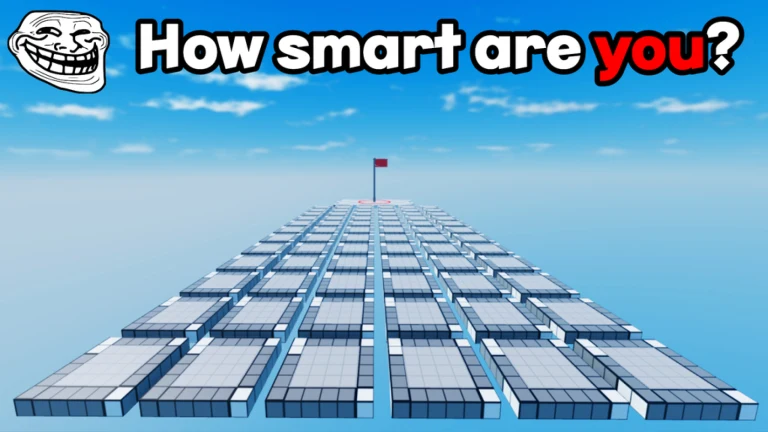
Invisible stages are the signature challenge of TROLL OBBY by Dev_dev Games, especially from stage 26 onward on Place ID 126690911414483. Dev_dev Games uses transparent or nearly invisible collision tiles to force careful movement and camera management. The design inherits from TrollerDev's legacy — if you expect to see every platform, you will respawn endlessly.
Universal Invisible Path Techniques
- Walk before running — Shift on PC slows movement for narrow beams
- Lower camera angle to catch shimmer, shadow, or particle hints on tiles
- Jump in place on suspected tiles — audio feedback differs on solid vs empty
- Follow ghost trails of players ahead in populated servers
- Disable Speed pass temporarily to prevent overshooting corners
PC vs Mobile Invisible Strategies
PC players should enable Shift Lock and use right-mouse camera drags between each segment. Mobile players must pre-position two-finger camera rotation before stepping — mid-walk rotation causes drift off edges. Maximize brightness on phones; invisible tiles often reveal faint texture at high brightness. Read Mobile Controls Tips for touch-specific advice.
Stage-Specific Invisible Hotspots
Mid-game stages 26–50 are invisible-heavy — see our Stages 26–50 Walkthrough. Late-mid stages 66–75 add maze-length invisible spirals. Final stretch stages 91–99 combine invisibility with moving kill volumes. Use free skips from Dev_dev Games on one personal wall stage rather than quitting entirely.
Mindset for Invisible Sections
Treat each invisible segment as a memorization puzzle, not a reflex test. Mark mentally safe after each successful step. Breaks prevent fatigue missteps that waste ten minutes of progress. The 91% rating proves these stages are fair once you learn Dev_dev Games' visual language — frustration is normal, impossibility is not.
Lighting and Display Tricks
Maximum screen brightness reveals faint glass textures Dev_dev Games uses for invisible collision. On PC, bump gamma in GPU control panels slightly — not so much that kill bricks hide, just enough to see walkway shimmer. Remove screen protectors with matte finish if you play mobile; glossy screens show reflections that mimic invisible paths. Night mode and blue-light filters reduce contrast — disable them during invisible sessions.
Practice Drill in Lobby or Stage 9
Before tackling stage 30+, practice slow walking with Shift Lock on any narrow visible beam. Count steps aloud — invisible stages often require fixed step counts between turns. When you fall, note whether you died instantly (void) or slid off (edge miss); void deaths mean wrong path entirely, edge misses mean close alignment. Apply drills to Stages 26–50 Walkthrough segments.
Video walkthrough: watch the embedded guide for camera angles pros use. Combine with PC Controls or Mobile Controls optimizations and Free Skips for one personal wall stage if needed.
Particle and Shader Hints
Some invisible tiles emit faint white particles when players walk nearby — rotate camera slowly in 360-degree sweeps at platform edges. Roblox graphics quality affects visibility; Ultra settings show more shader detail than Minimum. Night stages invert expectations — darkness hides both real paths and decoys; increase brightness temporarily. Stages 66–75 contain the longest invisible mazes — allocate uninterrupted focus time.
If invisible stages block your badge run after honest effort, one Dev_dev Games group skip is healthier than quitting entirely. Track skipped stages for later replay in our Stage Tracker tool.
Stage Range Priority List
Learn invisible fundamentals on stages 9–10 before they dominate 26–50. Master camera-lock walks before stage 35. Stage 48 and 68 are community pain points — budget extra video time. Stages 91–99 combine invisibility with motion traps; No Kill pass owners toggle protection during learning phases. Free skips from Dev_dev Games should target one invisible wall per badge run, not every invisible stage.